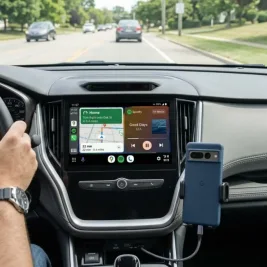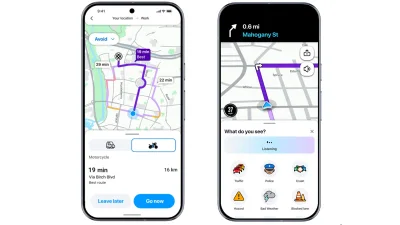
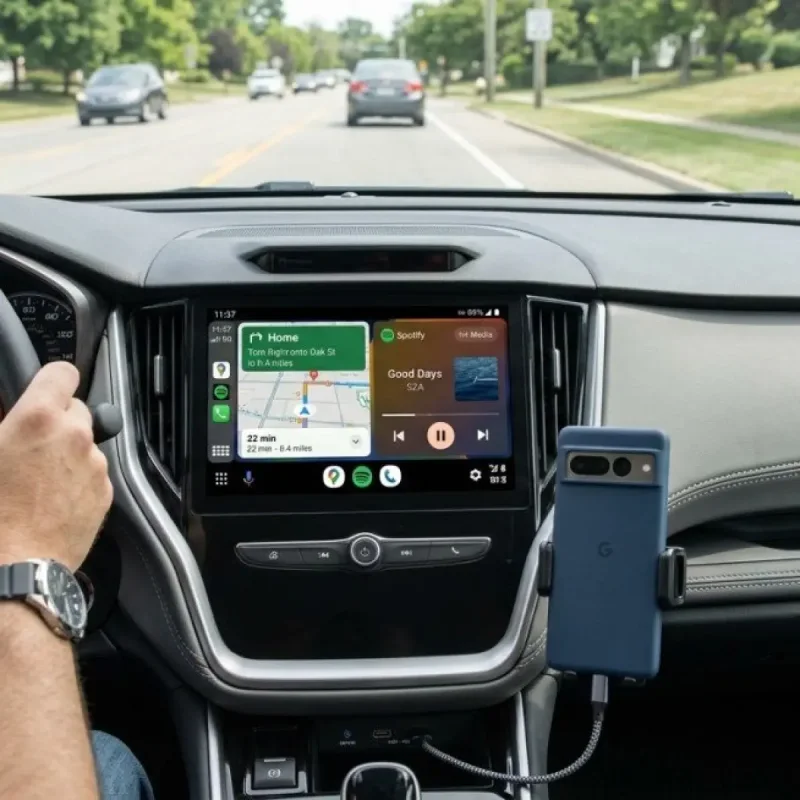
Google has expanded the rollout of Immersive Navigation and an integrated live speedometer inside Google Maps for Android Auto drivers, according to user reports.
The features are reaching a broader audience, including users on stable software builds.
>>> DWP Confirms Early August Benefit Payments for Millions
Enhanced Visuals and Real-Time Speed Data
The navigation update introduces a refreshed interface featuring detailed 3D road rendering, clearer lane guidance, and improved visualization of surrounding terrain and complex intersections.
These visual enhancements aim to help drivers interpret road layouts quickly without staring at the screen.
Alongside the visual overhaul, the update incorporates a real-time speedometer directly within the main navigation view.
The feature displays the vehicle's current driving speed next to posted speed limits, eliminating the need to check external instrument clusters.
Users on recent software versions, including Google Maps beta version 26.29.02.946673643 and Android Auto version 15.7, have begun seeing the changes.
>>> US Singer D4vd Ordered to Stand Trial for Murder of Teenager
The release continues through a server-side rollout, meaning availability depends on account activation rather than standard app installation alone.
Reddit user Arun Topez noted historical context regarding the speedometer feature.
"Don't you mean bring BACK the speedometer?
It used to be there for the longest time, then they removed it for whatever reason when the app started getting lots of issues.
Now it's back," Arun Topez commented.
>>> Alberta Cafe Shuts Down After Backlash Over Separatist Petition Events
Additionally, the interface update replaces the standard Google Assistant icon with a Gemini shortcut in the top corner of the app, marking another step in Google's ongoing transition toward AI-driven assistance.